
La documentation est disponible en anglais.
Documentation / Agentic graph
Console tour
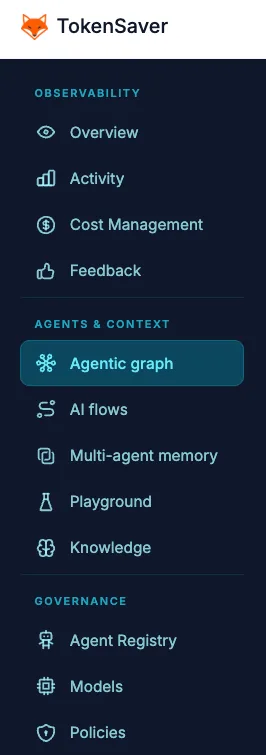
Open Graphe agentique from the workspace sidebar (above Flux IA). Keep period filters from the dashboard header.
- Enter the screen Sidebar → Graphe agentique. Filters (period, key, noise) carry from monitoring when present.
- Choose a layer Complet for overview, Boucles / Tâches for structure, Ego after selecting a hub.
- Search or deep-link Use search, or arrive from Flux IA with flowId so the camera focuses once.
- Refresh vs return Header Refresh reloads data and clears session layout (cold). Leaving and coming back within minutes restores camera + flow cache.
Next: Core concepts or Build paths.